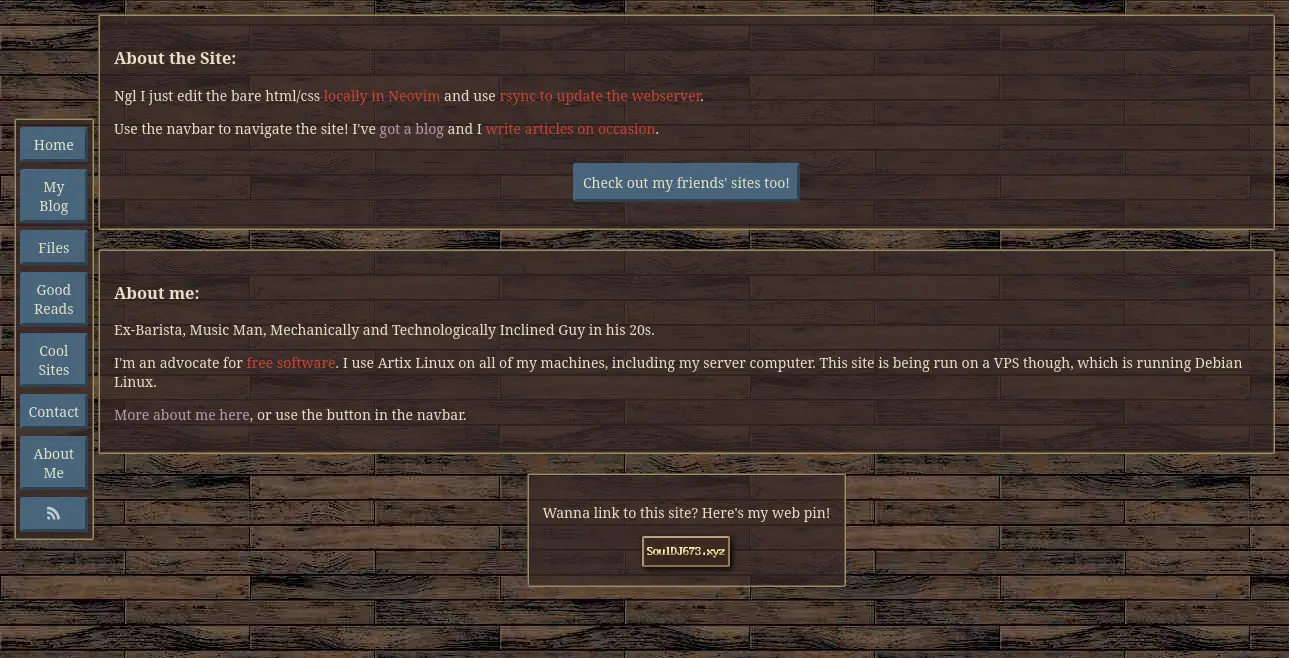
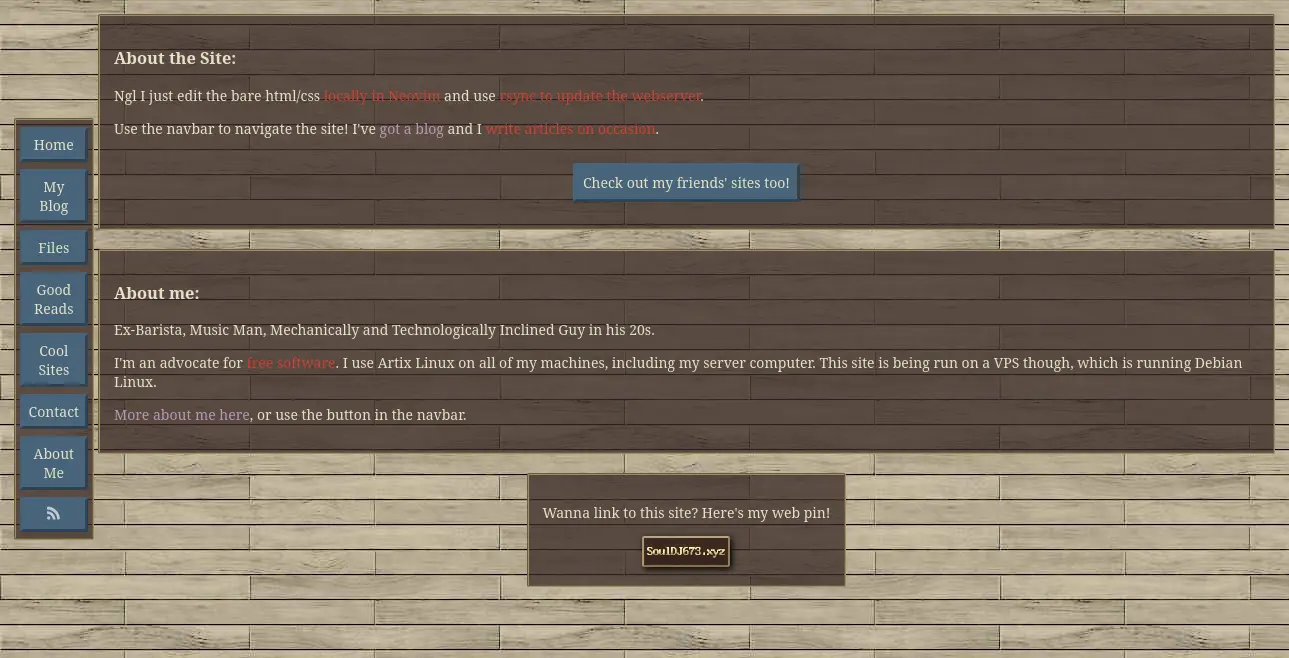
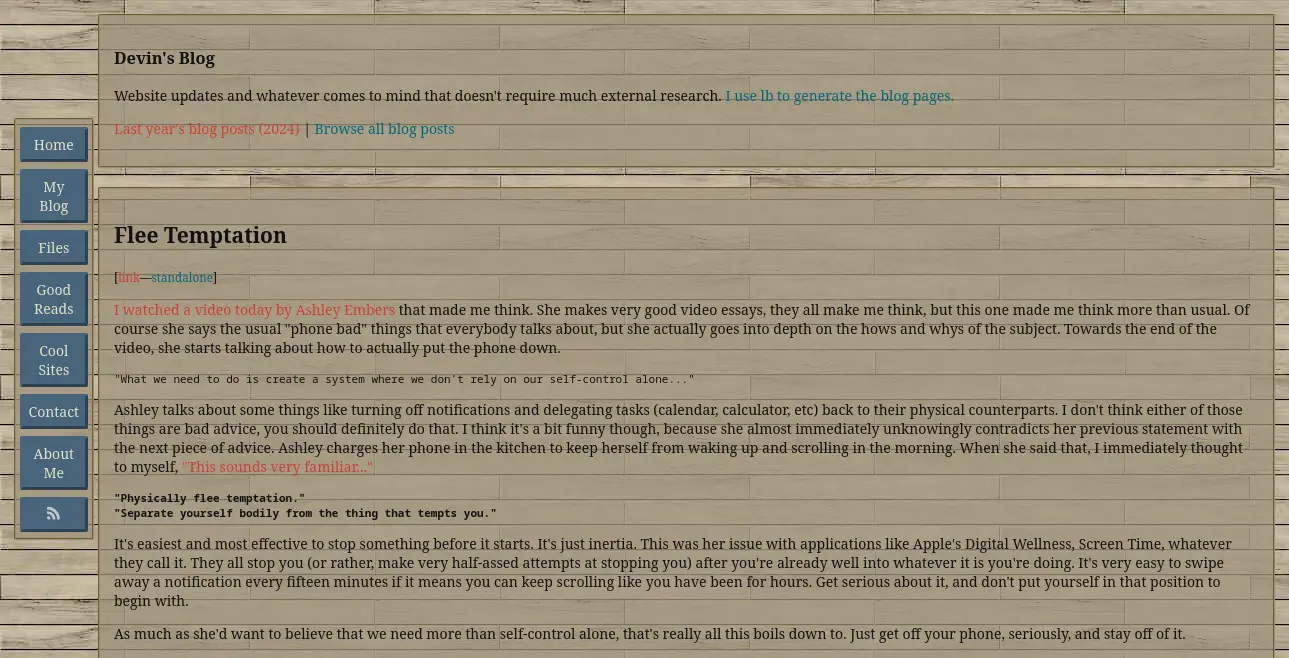
After many years of this functionality being available and widely adopted, I've finally implemented it on my site. On supported browsers, the site background will change depending on your preference for dark or light mode websites. I still want to support legacy browsers, so I haven't changed anything other than including a @media rule for light mode users. The site's normal theme is a dark theme and will display be default.
As of right now, the only difference between the two schemes are the site background. I do have an actual light mode scheme in the works, but I don't like how it looks in its current state.
In the light scheme I'm developing, I've changed the color of visited links to a darker color (now a blue instead of light purple). The current color is very difficult to read on a light background. I personally also find a little difficulty reading the red text of links, though I haven't done anything about that yet. The experimental scheme is in the CSS right now, and can be seen by anybody with access to browser developer tools.
I'll probably edit this post if I decide to fully take advantage of this.
In browsers that support the prefers-color-scheme @media rule, your browser will poll your preference from its settings. Changing your preference here will change your preference for all sites that implement dark/light functionality this way. Most browsers, both desktop and mobile, will poll your system theme and use the same preference in the browser. You can navigate the browser settings and explicitly choose a scheme if you want something different than your system scheme. Personally, my smartphone changes the system theme based on the battery percentage and time of day; my browser perference just follows that.